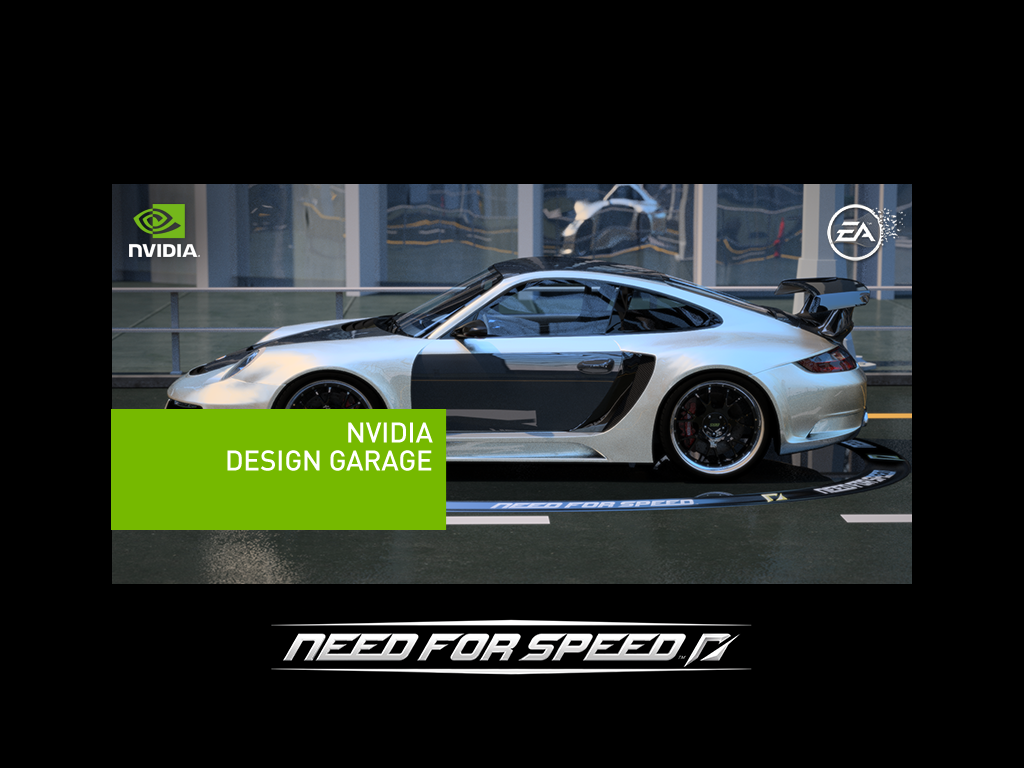
NVIDIA Design Garage
- Left drag
- Orbit the camera
- Ctrl + left drag
- Pan
- Middle drag, Shift + left drag
- Truck
- Ctrl + middle drag
- Roll
- Wheel
- Dolly (Shift quickly, Ctrl slowly)
- W / S
- Double / halve dolly speed
- Right click
- Set the orbit point
- Ctrl + right click
- Set the focus point
- Alt + right click
- Get material
- 1 – 4
- Camera presets (Ctrl stores)
- A
- Zoom all
- Space
- Rendering on / off
- F
- Full screen
- F2
- Cycle camera presets
- F3
- Statistics
- Esc
- Hide the interface
Interactive ray tracing while you navigate; with HQ on, path tracing refines the view whenever the camera rests. Port of NVIDIA's 2010 GeForce GTX 480 demo; the OptiX programs are translated from the original PTX.